Ads built on what already sells.
Turn a product page into ready-to-run ad creatives and their copy: ideas based on the ads that win in your account, images in every size, text that stays sharp and on brand, and every ad tracked once it runs.
A creative team that starts from your data.
The AI Ad Generator is a web app by PPCVERSE. It reads your product, studies the ads that already win in your account, and produces ready-to-run ads with their copy for Meta, Google Ads, TikTok and other placements. You review the ideas, keep the ads you like, and see how they perform once they run.
Ideas follow the formats and angles that bring results in your account.
Product photos and packaging guide every image, so the product looks right.
Formats a platform does not allow are flagged before you pay for them.
Credits instead of a subscription. Every size of an ad is included.
Paste a store link. Your product is ready for ads.
The generator reads the product page: name, description, price, photos and packaging. It sorts the photos into front, back and product shots and recognises the packaging, so the ads show the real thing, not a lookalike. You can also add a product by hand and keep a catalog of everything you sell.
- Up to six photos per product, used as references for every image
- Packaging presets with real sizes, from pouches to bottles and boxes
- Your brand kit: logo, colours, fonts and tone, used in every ad
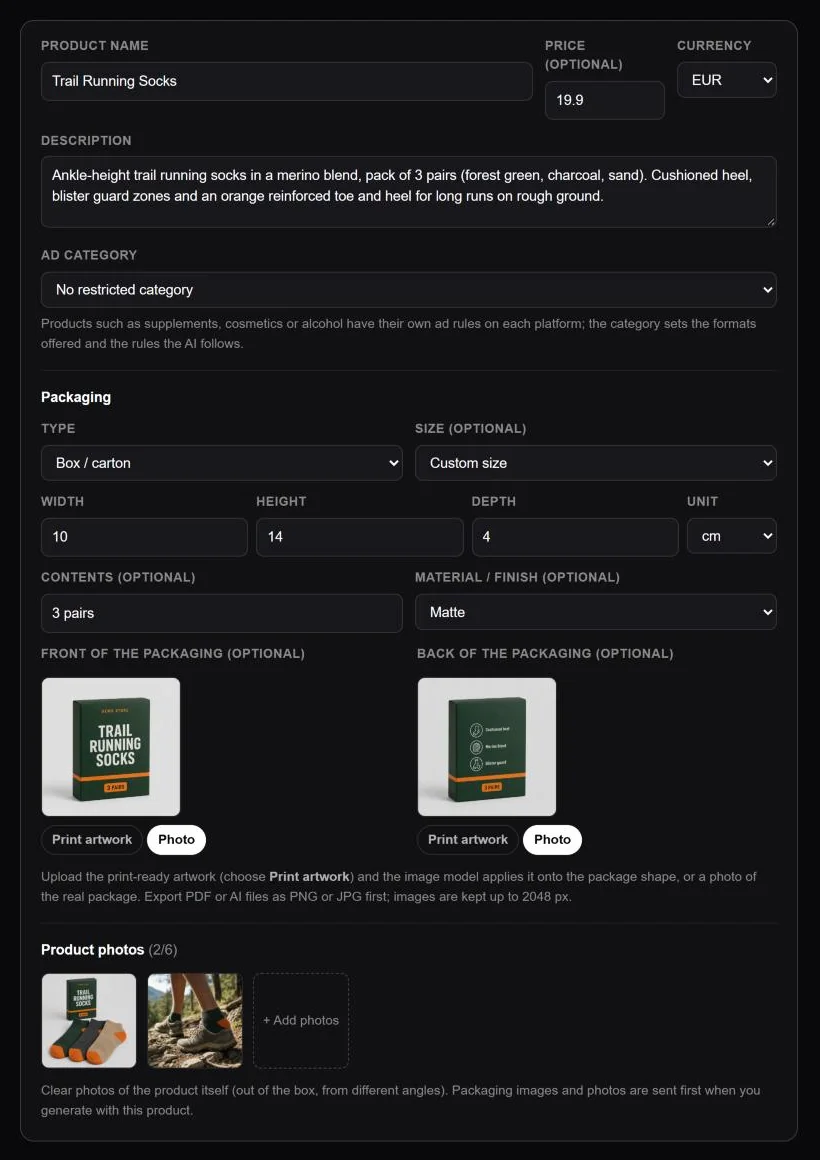
Ideas built on the ads that already win.
Connect your ad account and the generator studies your best ads first: which formats, angles and messages bring results at your cost. It then writes a varied batch of ideas, each with a format, an angle, a headline and the ad copy, so you test genuinely different concepts instead of small wording swaps.
- Read, edit or drop ideas before any image is paid for
- Primary texts and headlines written for each ad, in your language
- Your own creative direction when you already know the look you want
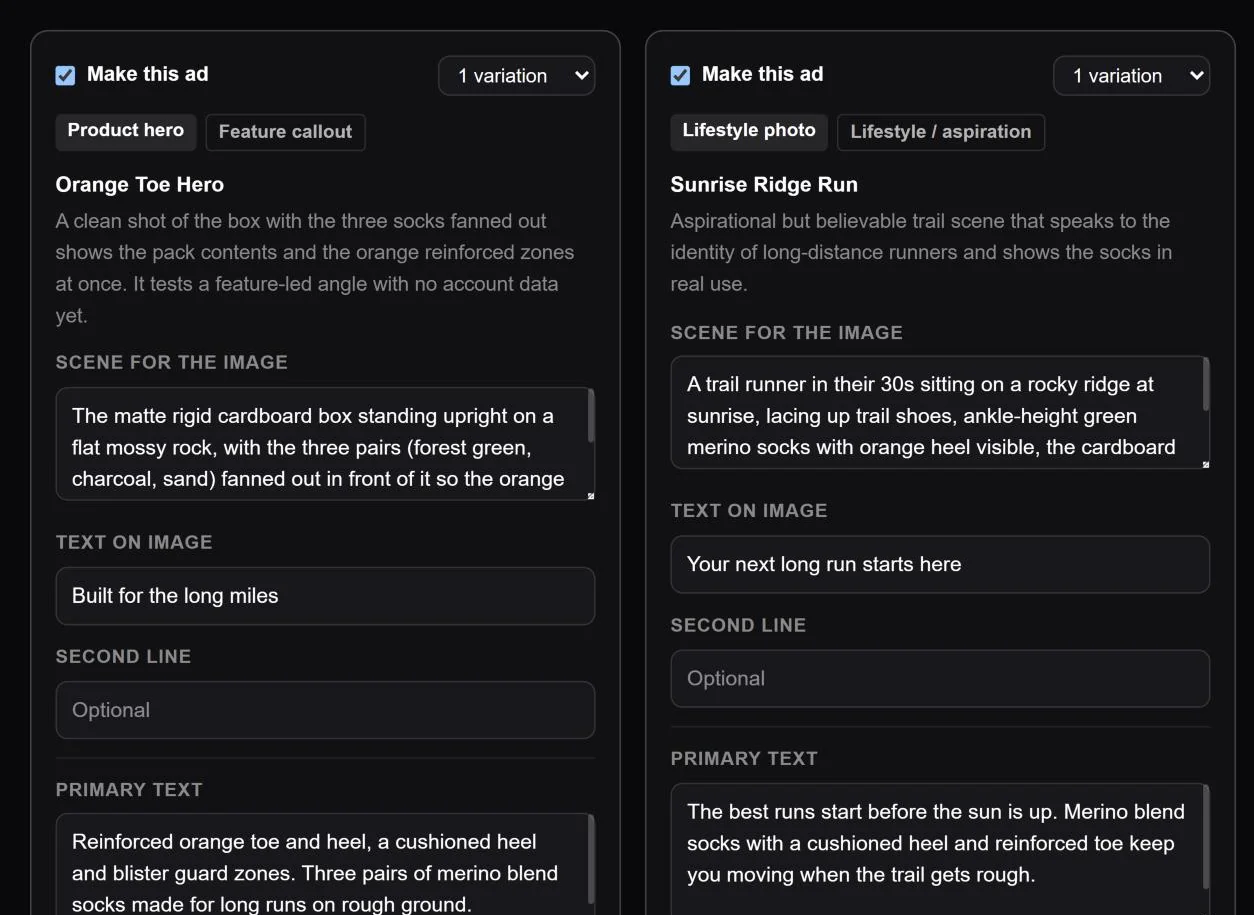
Made for where the ad will run, and what you sell.
Pick Meta, Google, TikTok or other placements first. The generator also knows your product's ad category, detected automatically or picked by you, so supplements, cosmetics, alcohol and other restricted products get their own rules per platform. Formats and angles that a platform does not allow are greyed out with the reason, and the ideas follow the rules, so you don't pay for ads that get rejected.
- Meta, Google Ads, TikTok and other placements
- Ad category detected from your product, or picked by hand
- Formats and angles against a platform's policy explained, not silently hidden
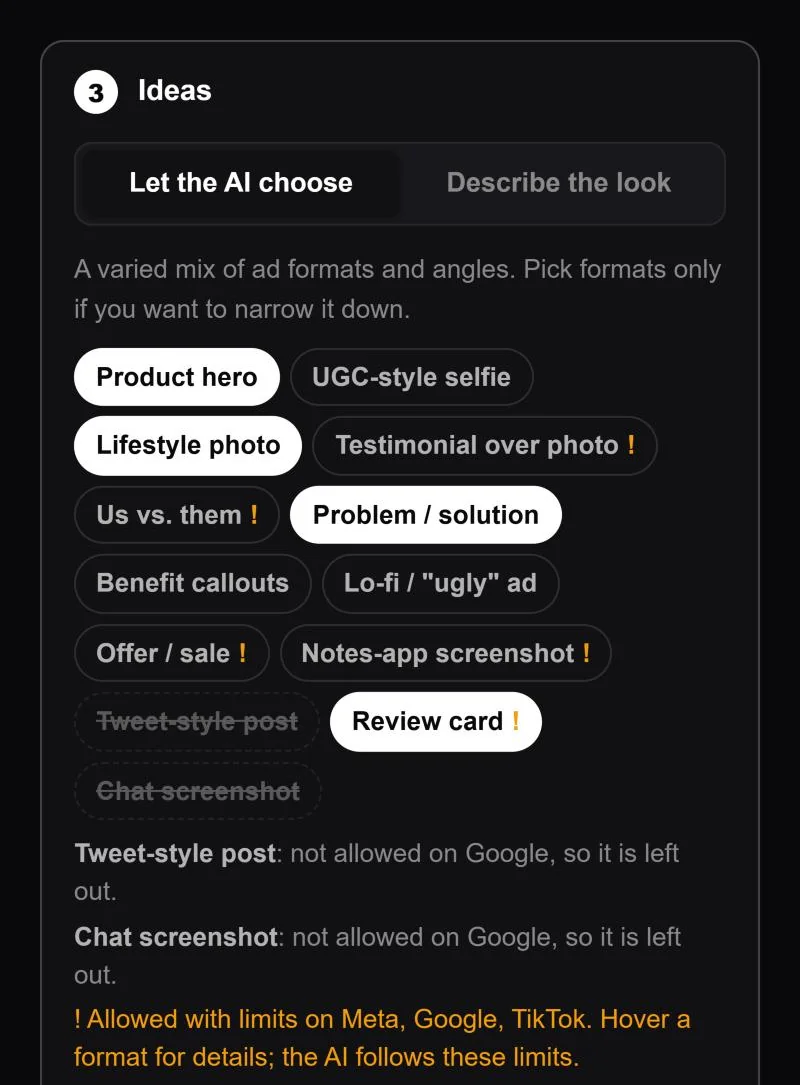
Your real product, sharp text, every size.
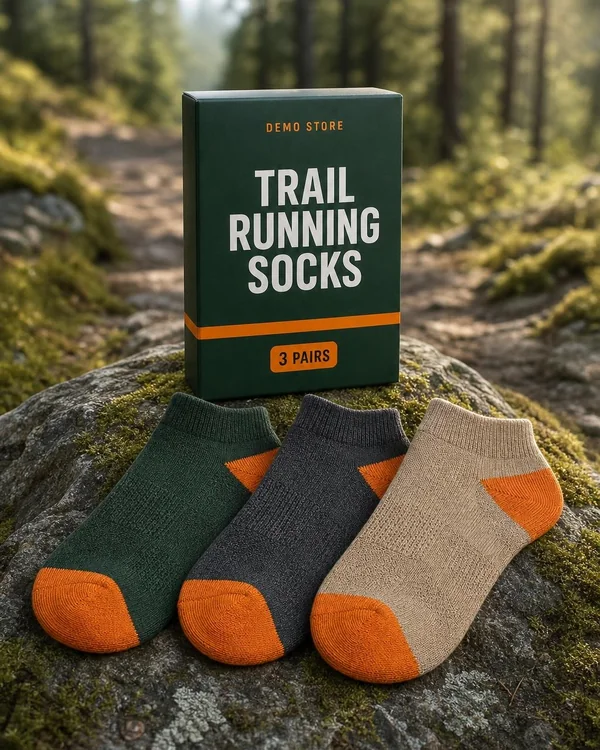
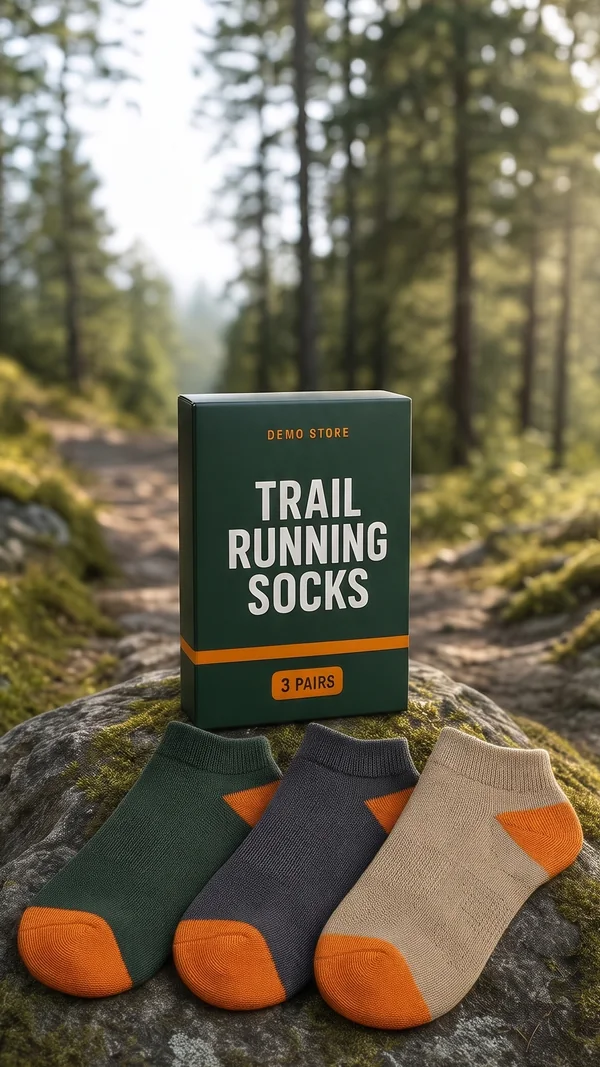
Choose the image model for the job. The picture is generated in the shape of each size, and the headline and other text are set by the app in your brand fonts and colours, so they are always sharp and spelled right. Modern ads stay light on text: the rest of the copy goes into the platform's own text fields.
- 1:1, 4:5, 9:16, 16:9 and 1.91:1, all included with every ad
- Edit text, fonts, colours and layout after the image is made
- Three image models to choose from
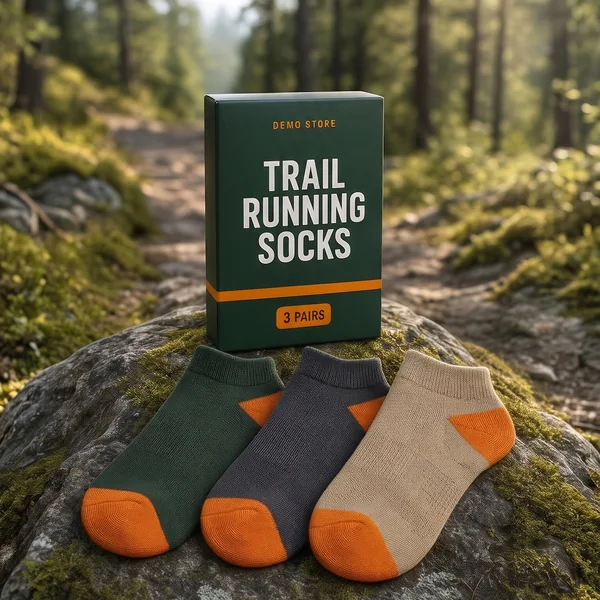
Every ad stays editable.
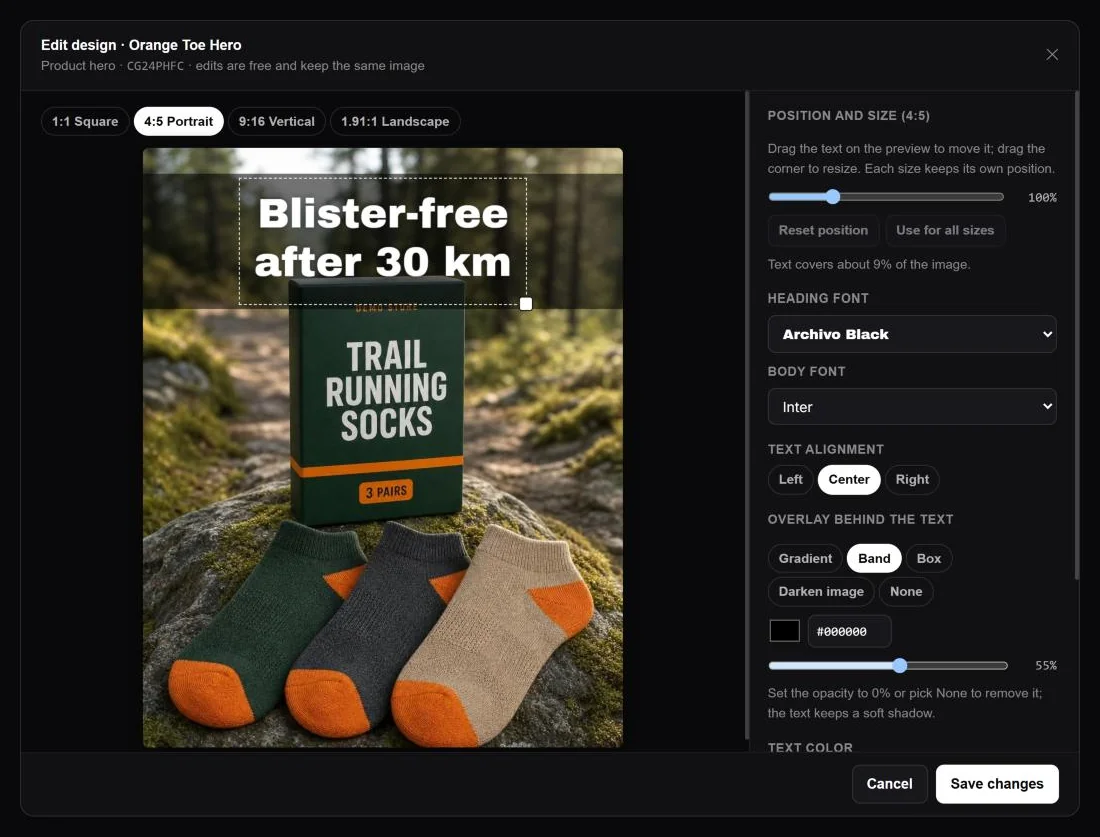
A generated ad is not a finished, flat picture. The headline and other text sit on top of the image, so you can rewrite them, change the font, colours and the shade behind the text, or move and resize the text block on each size, any time after the ad is made. Fixing a word or matching a new campaign takes seconds and costs nothing, because the image is not generated again.
- Rewrite the text on the image, in any of the brand fonts
- Colours, alignment and the overlay behind the text
- Move and resize the text separately on every size
- Write more primary texts and headlines for any ad
Know which generated ads actually win.
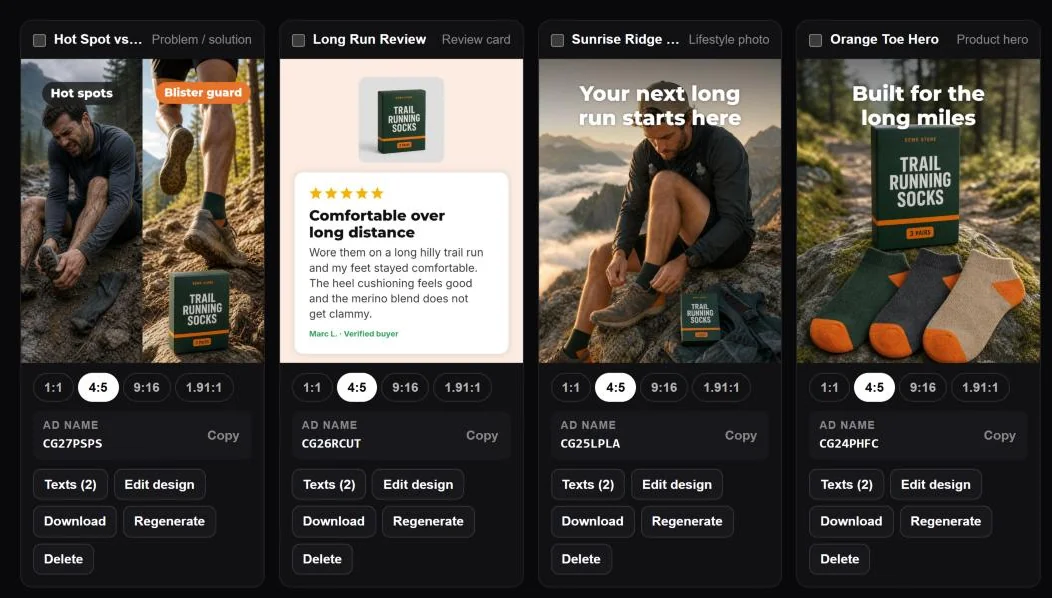
Accepted ads go to your Library with every size, their texts and a short ad name. Once they run, the generator finds them in your ad account, by their image or the code in the ad name, and shows how each format and angle performs against your targets. The next batch of ideas learns from those results.
- Download every size in one go
- Results judged against the targets you set in the AI Ad Analyzer
- Which formats and angles win in your account
From product page to ready ads in four steps.
- Step 1Platforms
Choose where the ads will run. Formats a platform does not allow are greyed out.
- Step 2Product
Import the product from its store link, or pick one from your catalog. Its ad category is detected for you.
- Step 3Ideas
Set how many ads, build on your best ads, and pick the language and copy length.
- Step 4Images
Choose the image model and sizes, generate, then keep the ads you like.
For teams that need fresh ads every week.
Keep a steady flow of fresh ads for every product, built on what already sells, without a design team for each batch.
Produce test batches for each client from their own winning ads, and see which concepts work before scaling them.
Go from a product page to ready-to-run ads and copy in minutes, in the sizes and language each platform needs.
Before you make your first ads.
It is a web app by PPCVERSE that turns a product into ready-to-run ad creatives and their copy. It writes ideas based on the ads that win in your account, generates the images in every size, sets the text in your brand fonts, and shows how the ads perform once they run.
With credits you buy in the app. Each action shows its credit cost before you confirm, and every size of an ad is included. There is no subscription.
No. The generator works with every plan, including the Free plan, and you only pay for the credits you buy. Credit packs are one-time purchases and do not renew.
Yes, twelve months after purchase. Credits are taken from your oldest pack first.
If an image or an import fails because of a technical error, its credits go back to your balance automatically.
You do, as far as the law allows, and you can use them in your own advertising or for clients you work for. AI-generated content can contain mistakes, so check every ad before you publish it. Our Terms and Conditions describe this in full.
No. You can create ads from a product page or a product you add by hand. Connecting your Meta ad account lets the generator build ideas on your best ads and track how the generated ads perform.
Meta (Facebook and Instagram), Google Ads, TikTok and other placements. Sizes are 1:1, 4:5, 9:16, 16:9 and 1.91:1, offered for the platforms you pick.
It detects the language of your product page automatically, or you can choose one of 48 languages for the ideas, headlines and ad copy.
Yes. You can change the text, fonts, colours, the overlay behind the headline and the layout of each size, and write more ad copy for any ad.
No. You download the ads and their texts and publish them yourself. The generator only reads your ad account to learn from your best ads and track results.
Make your next winning ad.
Import a product, build on the ads that already sell, and get ready-to-run creatives and copy in minutes. No subscription: pay only for the ads you make.